
Buyers want to see floor plans
Floor Plan Included with every MLS Package. Several options are available.
Scroll down to see more styles.
Deluxe 3D Virtual Walk-through with Furniture - Ideal for unfurnished homes!
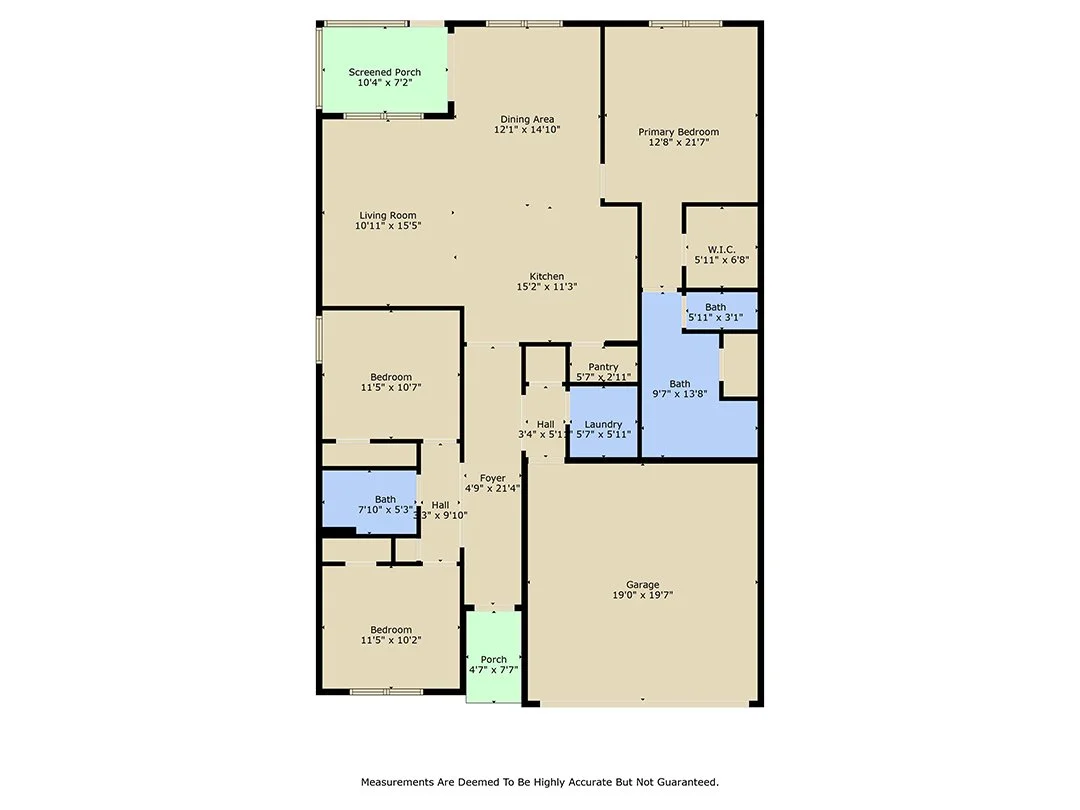
Basic floor plan always included
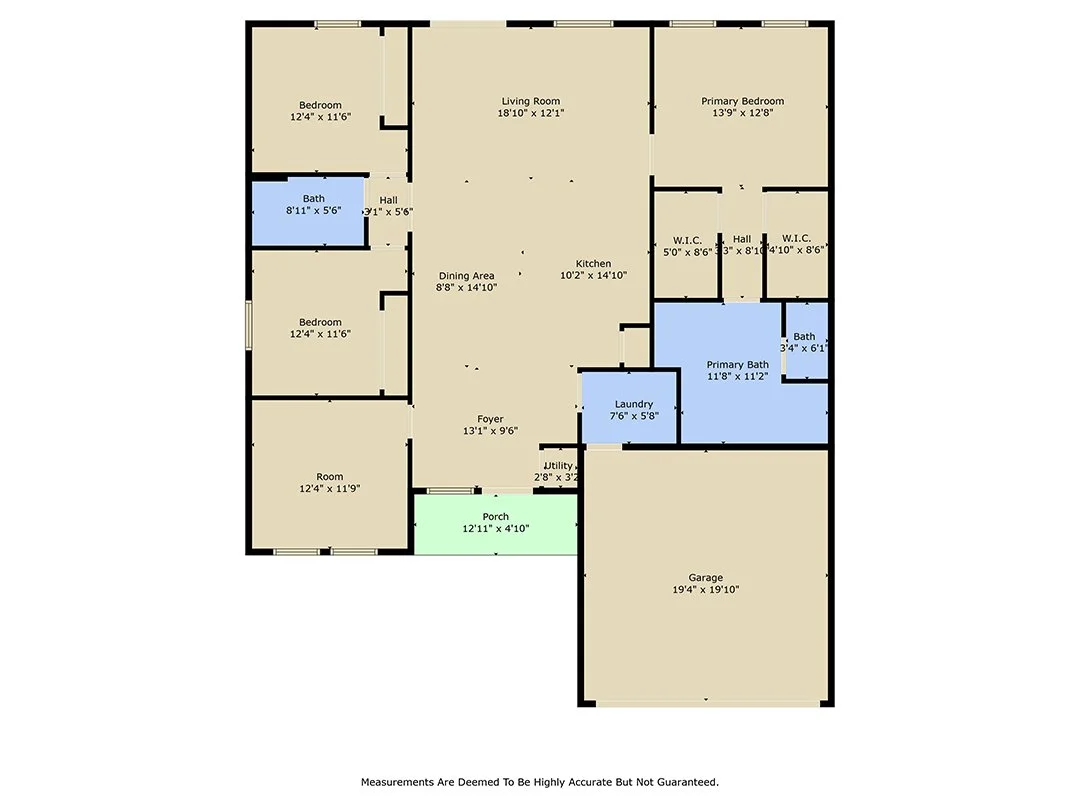
Basic floor plan always included
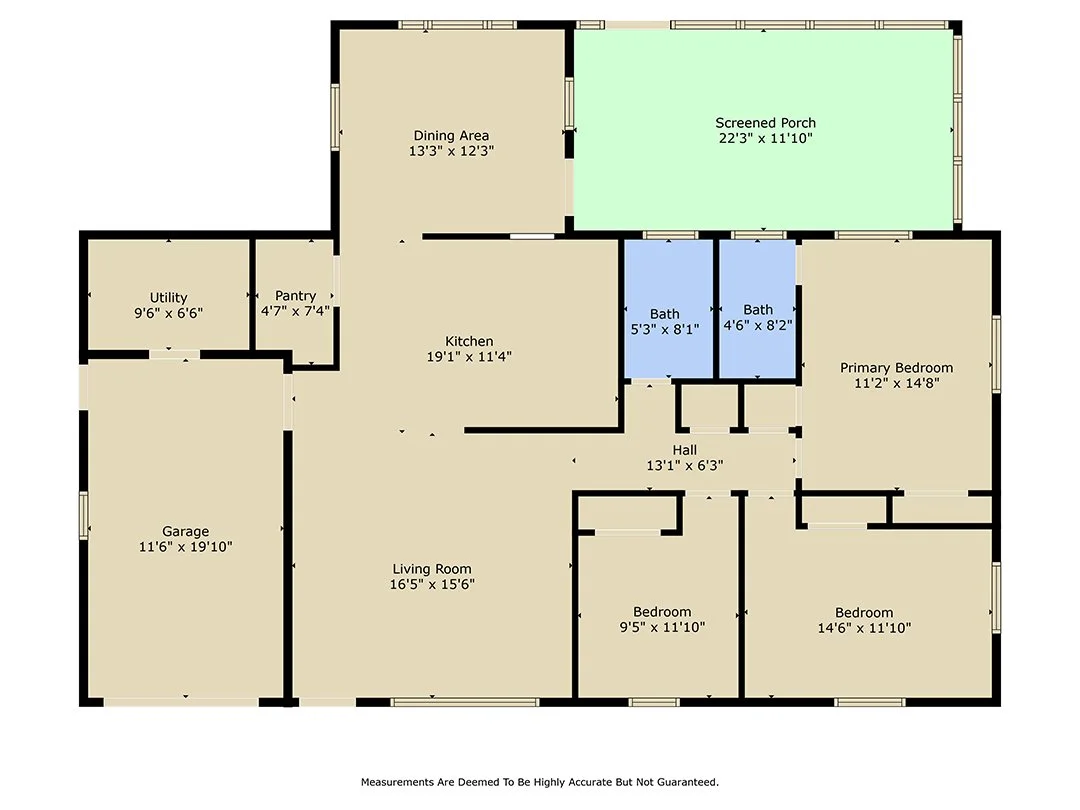
Basic floor plan always included
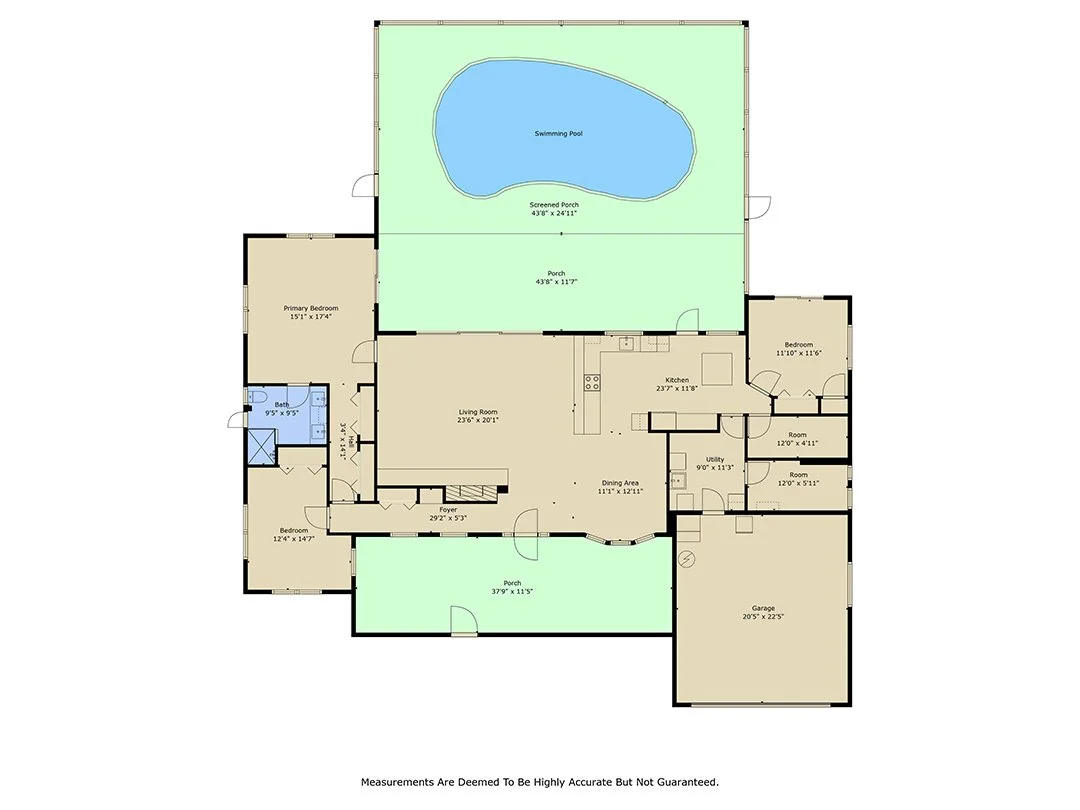
Floor plan PLUS includes fixed furniture, door swings, and an interactive floor plan (see below)
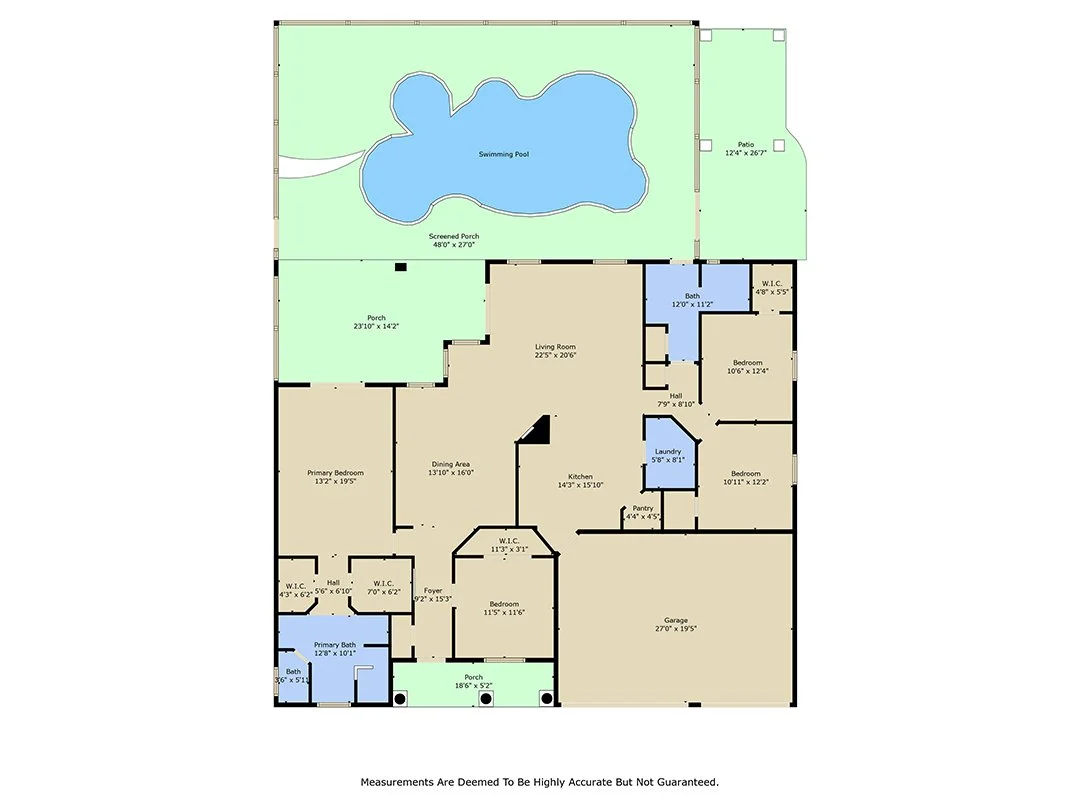
Floor plan PLUS includes fixed furniture, door swings, and an interactive floor plan (see below)
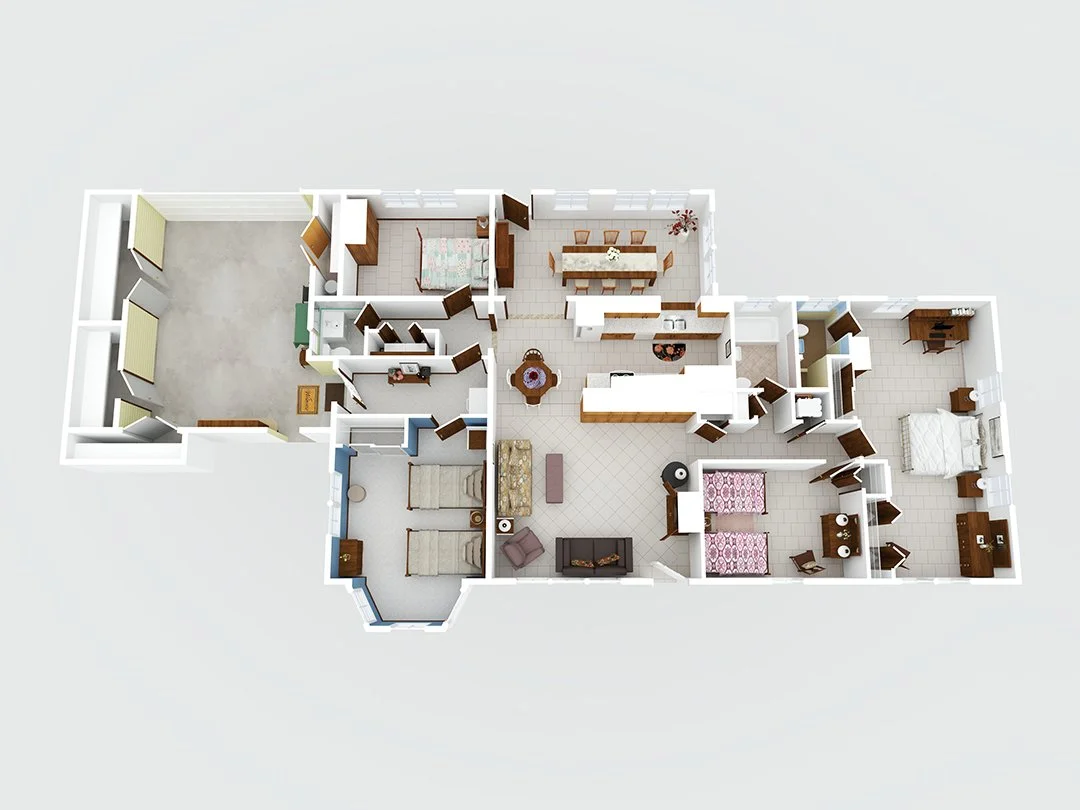
3D Floor plan with color
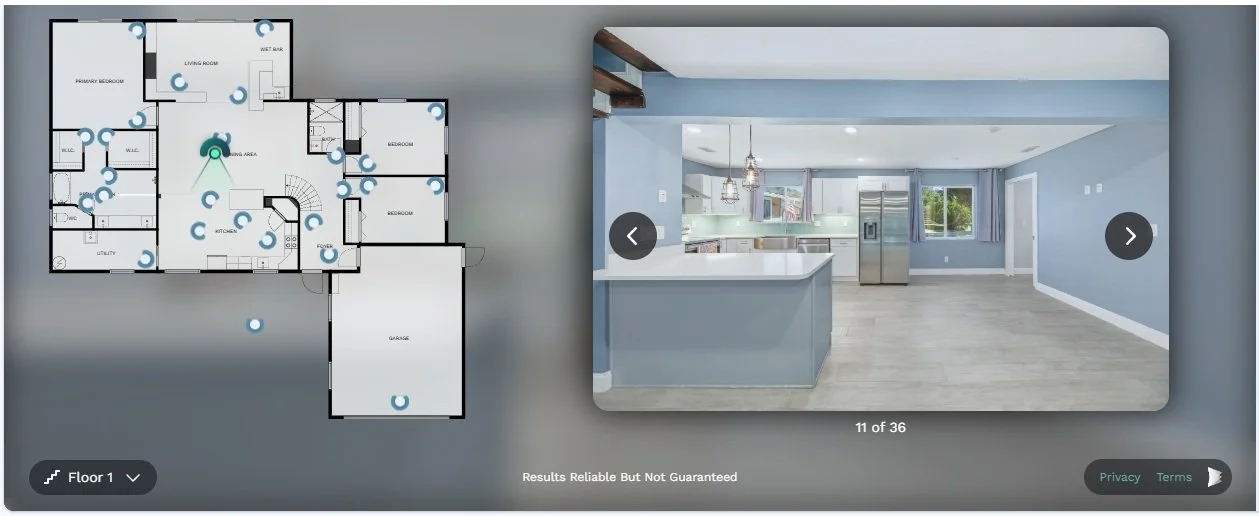
Interactive Floor plan
Here is a brief explanation of the functionality of the Cubicasa Interactive Floor Plans to help you get the most out of the media. You can save this as a quick reference for all your listings.
CubiCasa Interactive Floor Plan tours are a powerful way to showcase a property’s layout, giving buyers a clear understanding of flow, room relationships, and overall functionality, something photos alone can’t always convey. When used correctly, they can significantly increase engagement and help your listings stand out.
Interactivity of Cubicasa Interactive Floor Plan
As of now, Cubicasa has built an integration with Realtor and Redfin to automatically display floor plan content for On-Market listings. This happens seamlessly for our users and requires no additional effort or fees.
Zillow doesn’t support direct embed codes from Cubicasa, but you can paste the CubiCasa tour web link into the “Virtual Tour” field when editing your listing. This allows buyers to easily access the interactive floor plan directly from the Zillow listing.
Where to Use Your Tour
To maximize exposure, your CubiCasa Interactive Floor Plan should be included across all marketing channels:
MLS: Add the unbranded web link to the Virtual Tour field so it syndicates properly.
Zillow: Paste the web link into the listing’s Virtual Tour section (embed codes are not supported).
Realtor and Redfin: Floor plans should link automatically to active listings
Social Media: Share the web link with a strong caption like “Explore the layout of this home,” and pair it with a photo or video for better reach.
Email & Text: Include the web link in listing announcements or follow-ups with buyers.
Embed Code vs. Web Link (Important)
You’ll receive two links for each one, an embed code and a web link.
Use the full embed code when you can add HTML, such as on your personal website, brokerage site, or a custom property page. This keeps visitors on your page and enhances branding.
Use the web link everywhere else (MLS, Zillow, social media, email), as these platforms only support clickable URLs.
Quick rule of thumb
If you can paste code, use EMBED
If you can only paste a web URL, use LINK
Best Practice
For the strongest marketing strategy, embed the tour into your property website (when available), and use the unbranded link for MLS while sharing the branded version across your social and direct marketing channels.
Used consistently, CubiCasa Interactive Floor Plan will help buyers better understand the home, increase time spent on your listings, and ultimately drive stronger interest and faster decisions.